

As an Amazon Associate we earn from qualifying purchases.
Cricut and Sizzix both cut shapes for crafts, but they start from different places. With a Cricut, you make or choose a design in software and a powered blade traces it. With a Sizzix Big Shot, you choose a physical die or embossing folder and pass it through rollers. For custom lettering, vinyl decals, and print-then-cut stickers, start with Cricut. For repeatable paper shapes and textured cards without software, start with Sizzix.

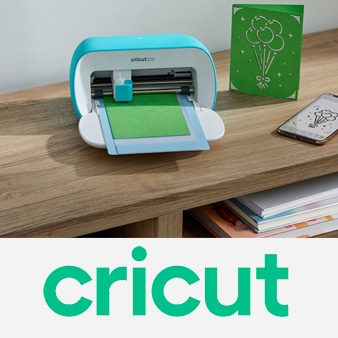
Design your own shapes and lettering, cut vinyl and cardstock, or cut around separately printed artwork.
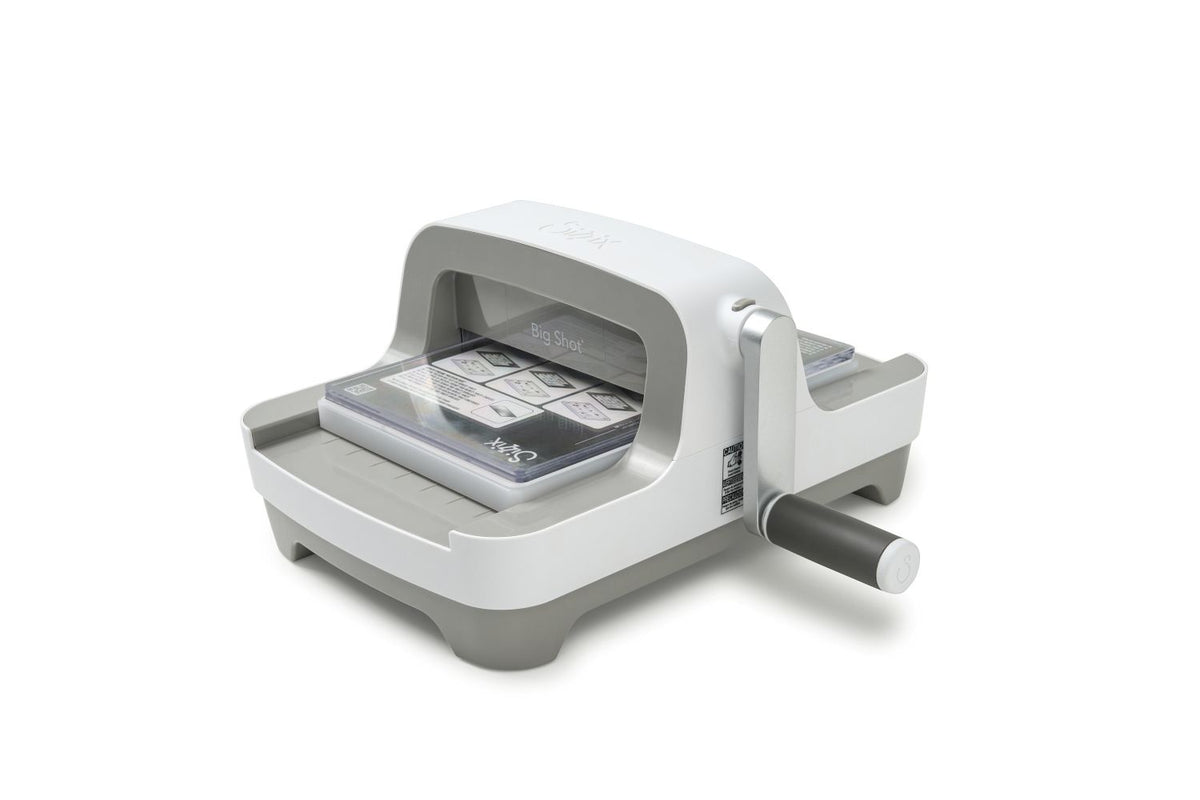
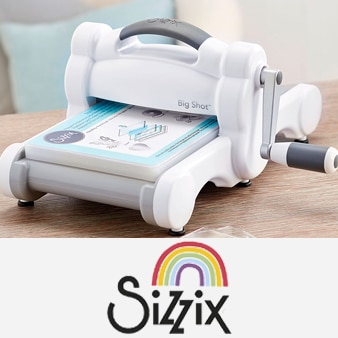
Turn a handle to cut with physical dies and press textures with embossing folders, without a screen.

Keep digital design freedom while adding compatible specialty tools for fabric, engraving, and debossing.
| Machine | How it works | Useful working width | Best match | What you supply |
|---|---|---|---|---|
| Cricut Explore 5 | Powered blade follows a Design Space file | 12-inch machine; actual mat cut area depends on mat and material | Custom vinyl, iron-on, stickers, cards | Compatible device, internet, materials; inkjet printer for full-color print then cut |
| Cricut Maker 5 | Powered blade or compatible specialty tool follows a Design Space file | 12-inch machine; up to 11.5 inches across on a mat | Custom shapes plus fabric and specialty work | Compatible device, internet, materials; specialty tools for specialty jobs |
| Sizzix Big Shot 667085 | Hand crank presses a physical die or embossing folder | 6-inch opening | Cards, scrapbook elements, embossing | Suitable dies or folders; compatible platform and pad combination |
| Sizzix Big Shot Plus 667140 | Hand crank presses a physical die or embossing folder | 9-inch opening | Wider dies, larger paper projects | Suitable dies or folders; compatible platform and pad combination |
| Sizzix Switch Plus 663630 | Powered rollers feed a physical die or embossing folder | 9-inch opening | Powered die cutting and embossing | Outlet, suitable dies or folders; compatible platform and pads |
The widths describe different things: a Sizzix opening is the maximum width of a die-cutting sandwich that can pass through its rollers; a Cricut’s usable cut area depends on its mat or compatible matless material. Neither width tells you what material thickness a particular blade or die can handle.
With Cricut, you can resize a name, change a monogram, or make a new silhouette in Design Space, then send that design to the machine. This is particularly useful for personalized decals and iron-on lettering. Design Space has free functions and content; some images and features are paid or part of the optional Cricut Access subscription. You need a compatible device and internet access to set up and use the machine.
With Sizzix, the metal die determines the cut shape. Repeating a known shape is quick once you have the correct die, pads, and platform; changing the shape means changing dies. The manual Big Shot machines do not need an app or an outlet. The electric Switch Plus needs power to feed the die-cutting sandwich, but its motor does not turn an uploaded design into a cut file.
Sizzix embossing folders press a raised or recessed pattern into suitable material across the folder design. Cricut can score fold lines, and the Maker 5 can deboss with a separately sold compatible tool. These effects serve different purposes: if you mainly want patterned backgrounds for many cards, check the Sizzix folder designs you like; if your project needs custom fold lines or placed design details, check Cricut’s compatible tools.
Explore 5 handles common craft materials such as vinyl, iron-on, cardstock, and printable materials. Maker 5 expands the tool and material choices, including compatible fabric cutting and certain thicker materials with the right blade. Sizzix material compatibility depends on the die, machine, and correct cutting sandwich; a steel-rule die and a thin metal die do not have identical use cases. Plan for dies and pads with Sizzix, or mats, blades, and specialty tools with Cricut. Check the exact included accessories for any bundle before ordering.
System: 12-inch digital cutter · 100+ supported materials · Design Space · compatible scoring, drawing, foiling, and deep cutting tools; some tools sold separately.
The Explore 5 is the straightforward choice when every project might need a different name, shape, or size. It cuts vinyl and iron-on for custom decals and shirts, and handles cardstock for invitations and layered cards. For full-color stickers, design and print with a separate inkjet printer, then have the Cricut cut around the printed image. Its included fine point cutting tool and scoring tool cover familiar starting projects; check the exact box contents of the listing you choose.
The tradeoff is the digital workflow: you create and prepare projects in Design Space, and it takes some practice to learn mats, material settings, and weeding. If your primary aim is deeply embossed card backgrounds with physical folders, the Big Shot is simpler. The Amazon link here is specifically for a Taupe Explore 5 Essential Bundle, which has additional supplies; it is not a machine-only listing.
System: hand-cranked roller machine · 6-inch opening · compatible with suitable Thinlits, Framelits, Bigz dies, and embossing folders; Plus dies require a larger machine.
Pick a physical shape or texture, make the sandwich required for that die or folder, and turn the crank. The Big Shot is well suited to a cardmaker who repeats favorite flowers, labels, and background patterns. No computer or software is involved. Its 6-inch opening accommodates many standard cardmaking dies and folders, while the smaller footprint can be easier to live with than a 9-inch machine.
Check the accessories included with the exact machine or kit: the machine by itself does not give you an unlimited library of cutting shapes. You buy suitable dies and folders to expand what it makes, and cutting pads wear with use. If you want a completely original decal or a different custom word on each project, a Cricut is the easier fit. If you already own Plus dies, choose a 9-inch Sizzix instead.
System: 12-inch digital cutter · 300+ supported materials · 13 compatible tools · up to 11.5 by 23.75 inches of cut area on a large mat; select specialty tools sold separately.
The Maker 5 makes sense when your plans extend beyond routine paper and vinyl work. With the proper separately sold accessories, it can cut compatible fabrics and specialty materials, deboss, and engrave. That is useful for someone making a mixture of appliqué, custom signs, personalized gifts, and paper projects. Like the Explore, it also supports print then cut when you have a separate inkjet printer.
Those extra capabilities come with additional purchases and setup decisions. The base machine includes a fine point cutting tool and scoring tool; do not assume a rotary blade or engraving tool comes with every bundle. Its thicker-material claims apply only to specified materials and compatible tools, not every 3 mm sheet. If you mainly cut vinyl letters and standard cardstock, start with Explore 5. The Amazon link is for the Slate Blue Maker 5 Deluxe Bundle; review that listing’s current contents before ordering.
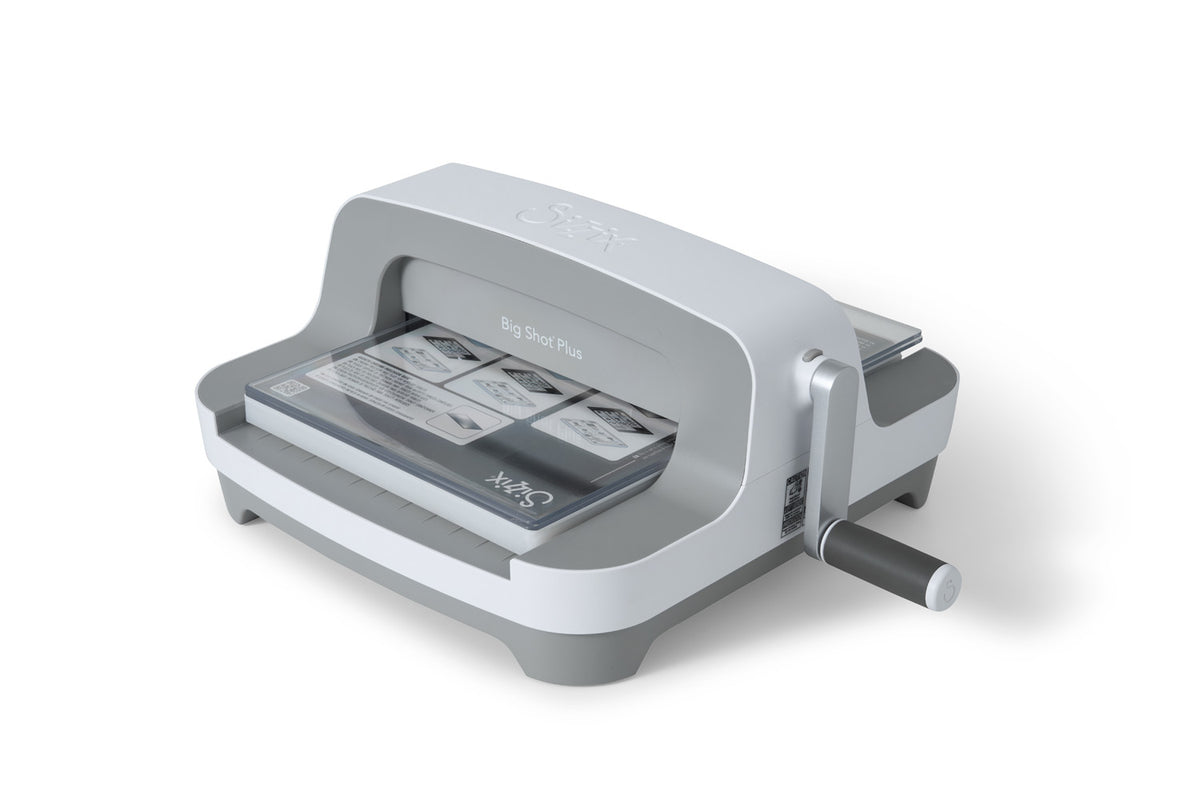
System: hand-cranked roller machine · 9-inch opening · supports suitable Sizzix Plus dies, smaller dies, and embossing folders with the correct platform and pads.
This is the manual Sizzix to consider when 6-inch dies and folders limit your paper projects. The wider opening supports Plus dies and larger layouts while keeping the straightforward crank-driven workflow. It takes up more work space and still needs physical dies and the right cutting sandwich. Choose it for larger die-based projects, not because you want to upload artwork from a computer.
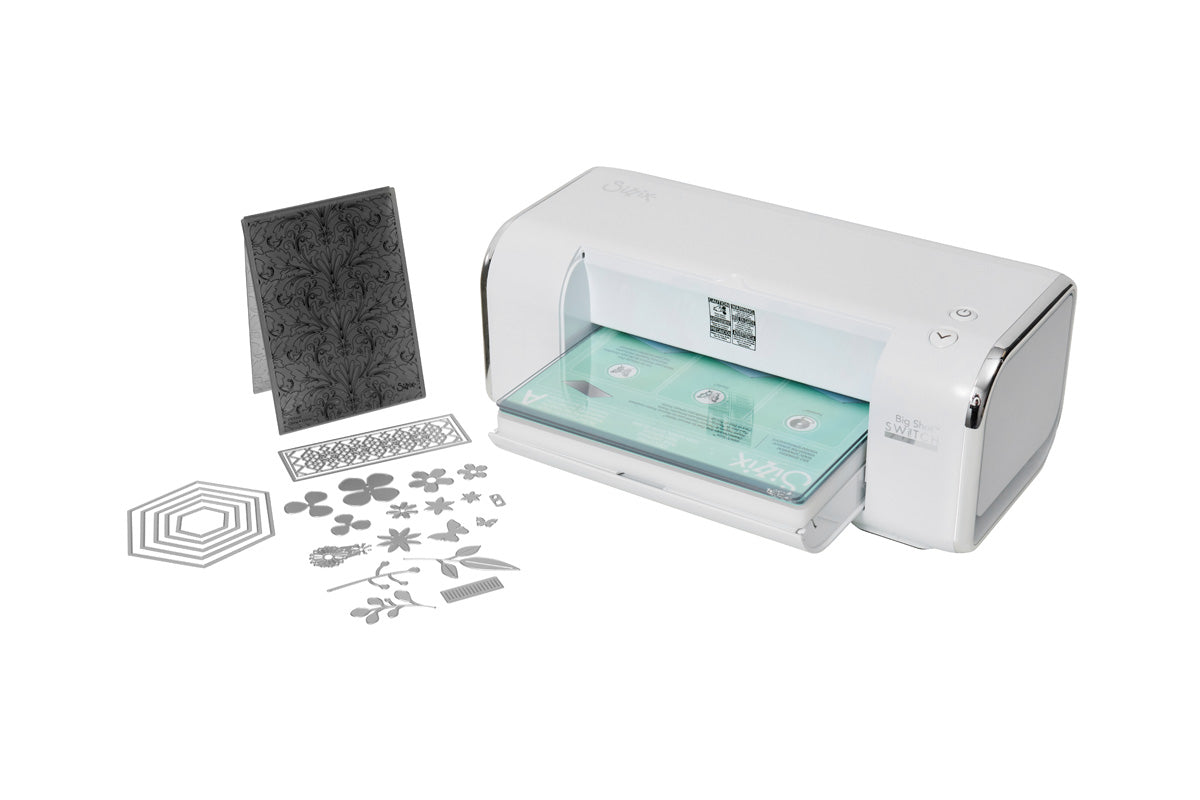
System: electric die-cutting rollers · 9-inch opening · one-touch reverse · white starter kit includes cutting pads, platform, 24 Thinlits dies, and an embossing folder.
The Switch Plus feeds the prepared die sandwich through automatically, which saves cranking through repeated passes. It still cuts shapes defined by physical dies; it does not follow a file as a Cricut does. Its included starter components let you explore die cutting and embossing, although other projects call for additional compatible dies, folders, and accessories. This white US/Canada model has specific power requirements, so check local compatibility before purchase.
If you are still exploring digital cutters, see our guide to Cricut machines for beginners and first Cricut setup steps. For a broader look at cutting systems, see our die-cutting machine guide.
No. The Big Shot machines use the shape of a physical die, while Cricut’s blade follows a digital design in Design Space. An electric Switch Plus feeds dies through rollers but does not read cut files.
They can both add detail to paper, but the method and results differ. Sizzix embossing folders press a patterned surface across the sheet; a Cricut can score, and a Maker 5 can use a separately sold debossing tool for compatible projects. Choose based on the designs and finish you want.
No. Design Space has free functions and starting content. Some designs and features are available separately or with a paid Cricut Access subscription; check the terms of any trial or bundle you select.
A compatible Cricut can cut around images printed on a separate inkjet printer using print then cut; it does not print the artwork. Sizzix can cut a printed sheet with a suitable physical die, but it cannot read registration marks and trace a newly designed printed outline the way Cricut can.
Only as a rough guide to project scale. Sizzix’s figure is the width of the roller opening; Cricut’s figure describes the machine and supported material width, while usable cut size depends on the mat or Smart Material. Your die or design, material, and compatible accessories determine what fits.
Buy a Cricut Explore 5 for flexible custom shapes, names, decals, and stickers, or a Maker 5 when specialty tools justify the upgrade. Buy a Sizzix Big Shot if you enjoy building cards from physical dies and textured folders; move to the Big Shot Plus for larger dies or the Switch Plus for motorized feeding. Start with the projects you plan to make, then price the dies or tools they actually need.